Windows
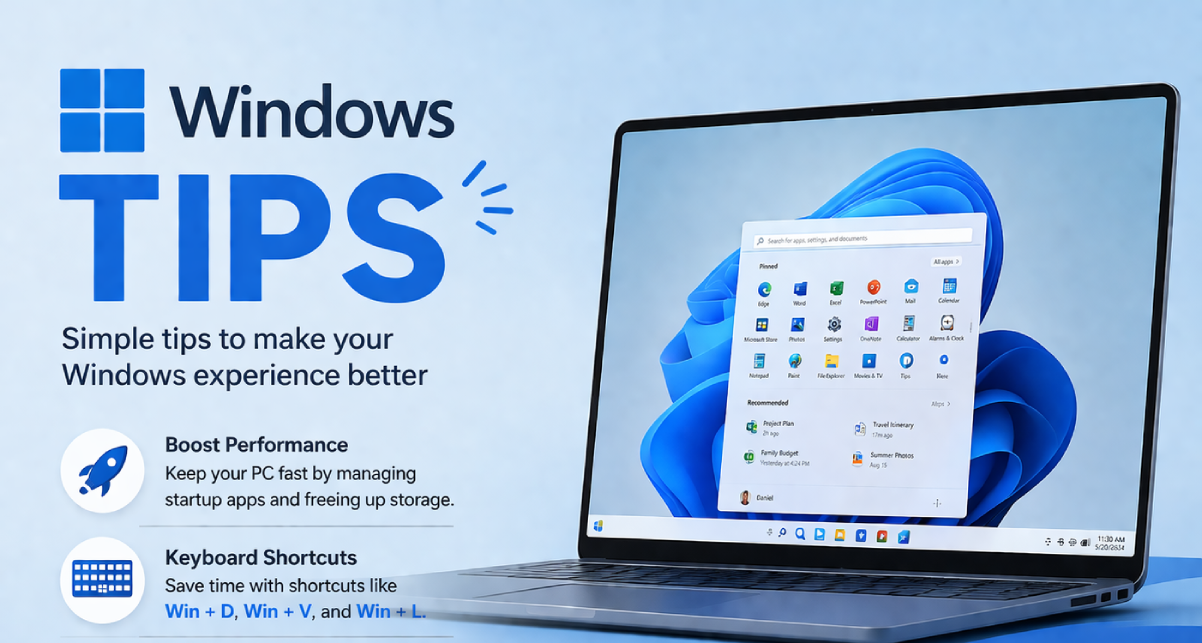
Ultimate Windows Tips & Productivity Guide for Windows 10 & 11 (2026)
Complete guide to Windows 10 & 11 productivity tips, from batch file operations to custom context menus and screenshot management.

Why Windows Gets Slow Over Time (And What Actually Causes It)
Windows doesn't just get slow - it gets overloaded. Here's what actually causes performance degradation over time.
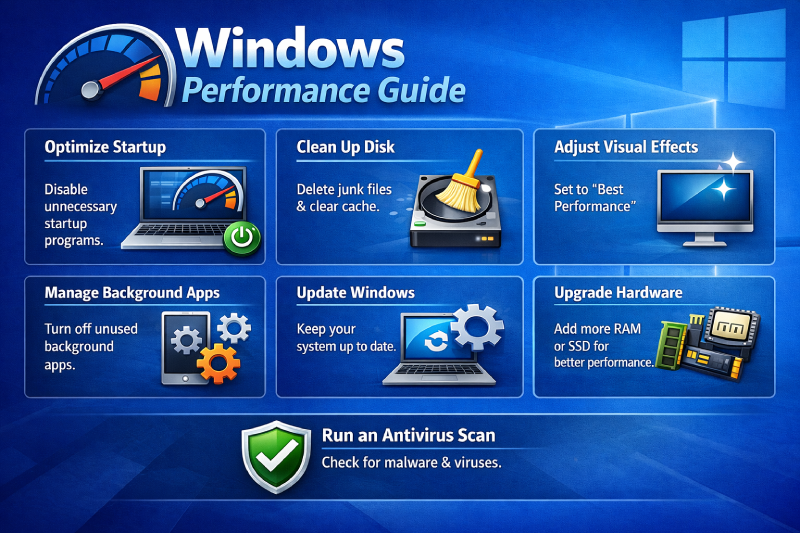
Ultimate Guide to Speed Up Windows 10 & 11 (2026)
Complete guide to optimize Windows 10 and 11 performance with proven techniques and fixes.
Ultimate Gaming Performance Guide for Windows 10 & 11 (2026)
Complete guide to gaming performance optimization in Windows 10 & 11, from thermal management to system tweaks.
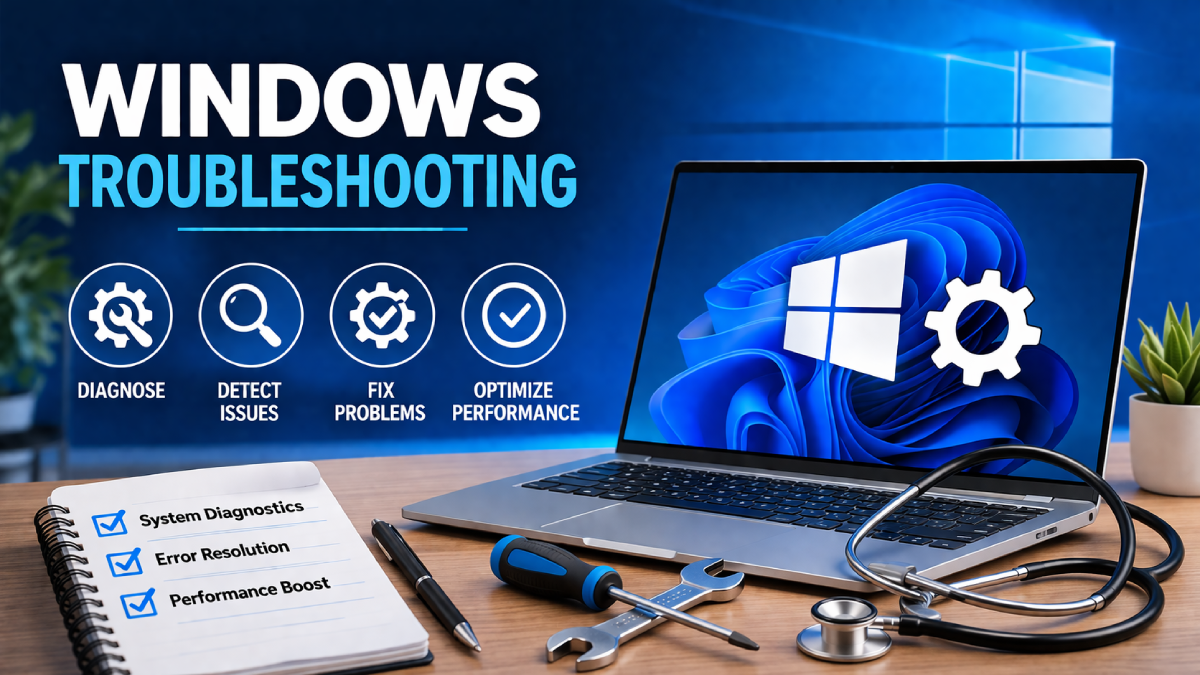
Ultimate Windows Troubleshooting Guide for Windows 10 & 11 (2026)
Complete guide to Windows 10 & 11 troubleshooting, covering performance issues, system maintenance, and common fixes.
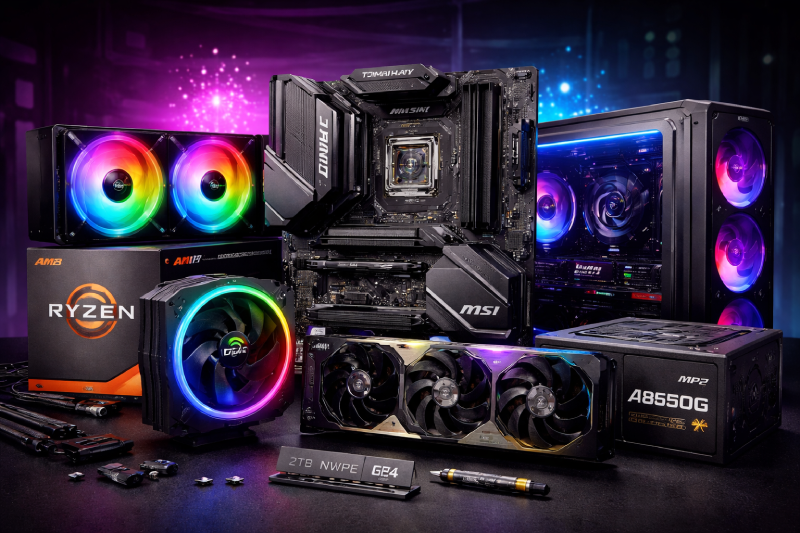
Ultimate PC Hardware Guide for Windows 10 & 11 (2026)
Complete guide to PC hardware checking and optimization for Windows 10 & 11, from specs to monitoring.
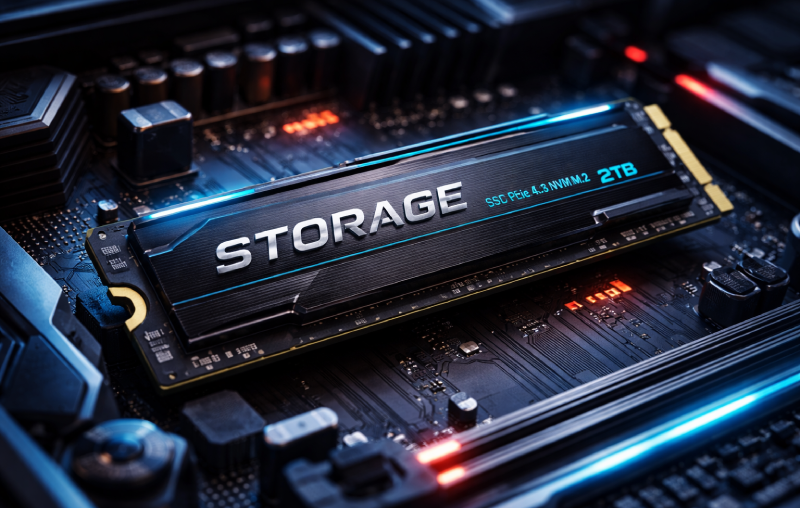
Ultimate Storage & SSD Guide for Windows 10 & 11 (2026)
Complete guide to storage optimization in Windows 10 & 11, from SSD upgrades to virtual memory management.
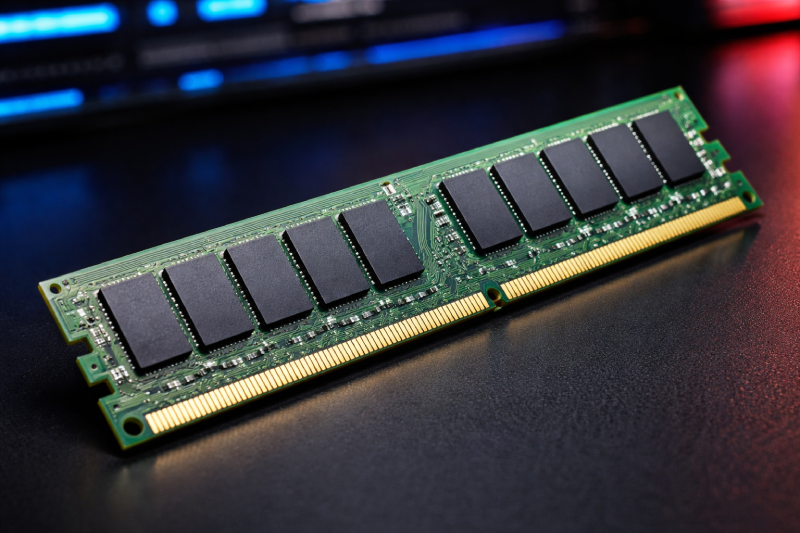
Ultimate RAM & Memory Guide for Windows 10 & 11 (2026)
Complete guide to RAM and memory management in Windows 10 & 11, from checking RAM type to upgrading and optimization.

Ultimate Windows Security & Privacy Guide for Windows 10 & 11 (2026)
Complete guide to Windows 10 & 11 security and privacy, from antivirus protection to app locking and privacy settings.

Why Old Computers Feel Faster Than New Ones
Your new PC isn’t slow, it’s just overloaded with garbage you didn’t ask for.

Shutdown vs Restart in Windows: What Actually Happens Behind the Scenes
Shutdown doesn’t fully reset your PC anymore, restart does.

Rename Multiple Files at Once in Windows 10/11
Renaming files one by one is slow, Windows already has a faster way built in.

How to Lock Apps in Windows 11 Without Any Software
Windows doesn’t give you app lock, but you can still force it with a built-in trick.

How to Change Screenshot Save Location in Windows 11
For a complete Windows tips and productivity guide, read: [/windows-tips/](/windows-tips/) Windows keeps dumping screenshots in one folder, here’s how to actually take control.

How to Create a Custom Right-Click Menu in Windows 10/11
For a complete Windows tips and productivity guide, read: [/windows-tips/](/windows-tips/) Windows right click menu is cluttered here’s how to clean it and add your own options.

How to Fix Choppy Animations in Windows 11
Choppy animations aren’t about GPU power it’s timing, load, and bad scheduling.

Windows 11 Lag Fix: Apps Not Opening Quickly? Try This
Apps opening slow on Windows 11 is usually bad system behavior, not weak hardware.

Fix 100% Disk Usage in Windows 10/11 (Working Fix)
Fix 100% disk usage in Windows 10/11 caused by temp files. Learn the real cause and working methods to reduce disk activity fast.

Why Apps Open Slow on Windows 11
If apps take forever to open on Windows 11, your system isn’t slow it’s misconfigured.

How to Reduce Startup Time in Windows 11
Slow startup isn’t hardware it’s everything launching at once and fighting for resources.

The Truth About Windows Defender Performance Impact (It’s Not What You Think)
Windows Defender isn’t free performance-wise but it’s also not the villain people make it.

Why Windows Search Is Still Weirdly Slow (Even on Fast PCs)
Windows Search isn’t slow because of your PC it’s the way it’s built.

Why Your Laptop Battery Dies Faster on Windows (Even When You’re Doing Nothing)
Your battery isn’t bad Windows just refuses to stay idle.

Running Linux on Windows 11 Without Breaking Your System (WSL Done Right)
Stop dual booting like it's 2015 just run Linux properly inside Windows.

Best Free Antivirus for Windows 11 (And Why You Probably Don’t Need One)
Most free antivirus tools slow your system more than they protect it.

Stop Suffocating Your CPU: Windows 11 Performance Tweaks That Actually Matter
Most Windows 11 optimization guides are placebo trash; here is how to actually reclaim your CPU cycles from Microsoft's background bloat.

How to Lower CPU Usage in Windows 10/11
Learn how to lower high CPU usage in Windows 10 and Windows 11 with practical fixes that actually work.

What is Pagefile.sys in Windows? Should You Delete It?
Understand what pagefile.sys is in Windows, how it works, and whether you should delete or disable it for better performance.

Windows 10 vs Windows 11 Performance – Which is Faster?
Real-world comparison of Windows 10 vs Windows 11 performance. Find out which is actually faster and what matters for your hardware.

Reduce RAM Usage in Windows 10/11 (Without Breaking Your System)
Reduce high RAM usage in Windows 10 and 11 with practical fixes that actually work-no useless tweaks or risky changes.

How to Increase Virtual Memory in Windows (Easy Guide)
Step-by-step guide to increase virtual memory in Windows 10 and 11 to fix lag, crashes, and high disk usage issues.

How to Fix 100% Disk Usage in Windows 10 and 11
Learn how to fix the frustrating 100% disk usage problem in Windows 10 and Windows 11 with simple step-by-step methods that actually work.

How to Speed Up Your Laptop in 5 Minutes
A practical 5-minute guide to make a slow Windows 10 or Windows 11 laptop faster by disabling startup apps, freeing memory, and fixing common performance killers.

What Is Thermal Throttling? Why Your PC Slows Down During Gaming
PC slowing down during games? Learn what thermal throttling is, why it happens, and how to quickly fix overheating issues on Windows 10 and 11.

Battery Shows 0% and Won’t Increase - Stop Troubleshooting, Do This Instead
Battery stuck at 0% and not charging on Windows 10 or 11? Skip the usual troubleshooting. This guide shows the fix that actually works.

How to Check Maximum RAM Supported by Your Motherboard
Step-by-step guide to check the maximum RAM supported by your motherboard on Windows 10 and Windows 11 before upgrading.

CPU Temperature Normal Range, What’s Safe for Gaming?
Worried your CPU temperature is too high while gaming? Here’s the normal range, what’s actually safe, and how to quickly fix overheating on Windows 10 and 11.

Why Is My CPU 100°C? Real Fix for Windows 10 & 11 Overheating
CPU hitting 100°C on Windows 10 or 11? Here’s the real fix that actually works step-by-step thermal paste replacement, dust cleaning, and fan checks.